What's On near you
Fireworks, football, workshops and family days from the clubs, venues and shops on your doorstep. Book in a few taps, and your tickets live on your phone.
- 5 events coming up
- QR tickets, no printing
5 events coming up
December5 events
-
 Wed2Dec
Code needed
Wreath Making Workshop
Admits one adult, all supplies included to make a wreath All proceeds go to St Marys School PTA
£25.00 Get tickets -
 Thu3Dec
Davyhulme Golf Club Christmas wreath making night
A night of Christmas wreath making at the beautiful setting of Davyhulme Golf club
£45.00 Get tickets -
Fri4Dec
Code needed
Carols by Candlelight
Carols by Candlelight Ticket includes 1 glass of mulled wine and mince pie. Squash and biscuits for children. More Mulled wine available to buy. All proceeds go to St Basils for...
From £6.00 Get tickets -
 Tue8Dec
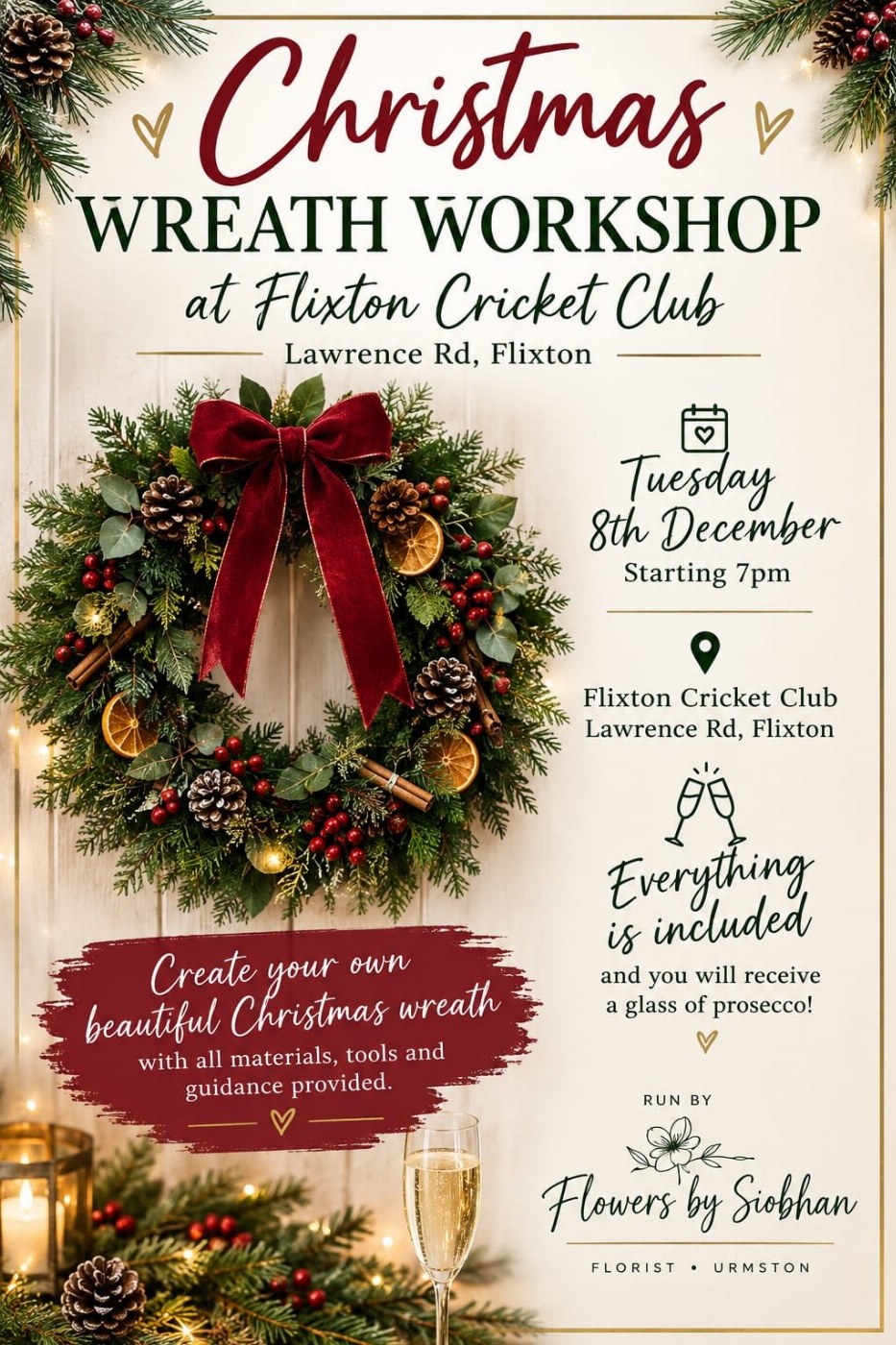
Christmas Wreath workshop at Flixton Cricket club
Wreath Making night held at the popular Flixton cricket club. Everything you need to make your wreath is included . Plus a glass of Prosecco
£50.00 Get tickets -
 Wed9Dec
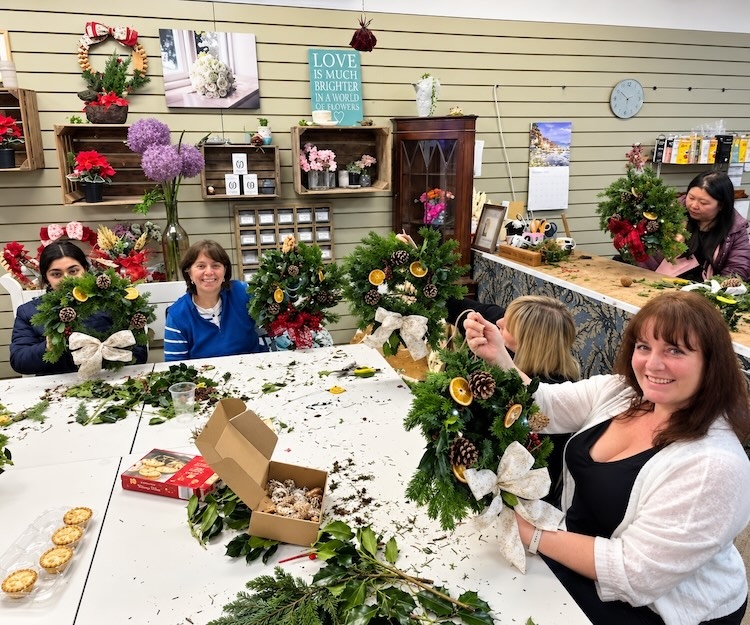
Christmas Wreath making night
Flowers by Siobhan presents CHRISTMAS WREATH WORKSHOPS Make your own real festive wreath to take home! includes materials & your own wreath to take home plus enjoy free wine and...
£45.00 Only 3 left Get tickets
Nothing on then, yet
New nights are added every week. Try another date or town, or see everything that is coming up.
Tickets inthree taps
Pick your night
Choose an event and how many tickets you need. Private events ask for the organiser's code first.
Pay in a tap
Card, Apple Pay or Google Pay, checked out securely with Stripe.
Show your QR
Your tickets live in your SHOCAL account and the app. Show the QR code at the door.
Running anevent?
Sell tickets online and in the SHOCAL app, scan them at the door with your phone, and keep private nights private with a 4-digit code. Your takings arrive with your shop payouts.
Free ticketing for schools, PTAs and charitiesTicketquestions
Where are my tickets?
In your SHOCAL account under Orders, on the website and in the app. Open the order and show the QR code at the door. There is nothing to print.
My ticket email has not arrived. What now?
Your tickets never live only in an email. Sign in to SHOCAL and open Orders to see every ticket and its QR code. If you bought them after signing in with Apple, sign in with Apple again, as that is the account they are on.
What does "Code needed" mean?
Some events are private, like a school disco or a members' night. The organiser shares a 4-digit code with their guests, and you enter it to see the tickets.
How do I sell tickets for my own event?
Join SHOCAL, add your event and ticket types in the partner hub or the SHOCAL app, and you are on sale. Scan tickets at the door with your phone, and get paid with your shop payouts.